
Write Where You Work
How I stopped forcing my writing into tools that didn't fit


I recently saw a Substack note saying, don’t forget, it’s the first of the month, back up your Substack. I thought I’d share my workflow.
I started doing my Substack directly in M365 copilot, then copied it into Loop. I had it alongside my L24/N24 process for work (Last 24/Next 24 for daily status for those who don’t use that process). I was using both products every day for work, so it was easy to include it there.
Over time, it just didn’t feel like the way I work. In a way it reminded me of when I worked for a data science team and they were using SharePoint for version control and I helped them set up Git. I realized, Git/GitHub is my more native work surface, so it only made sense to use it.
I have a private repo at work that I use to store helpful things. I have queries dating back to 2020. It is a great way to keep track of how I did things and data sources I rarely use. Since it is a private repo, I just created branches and checked directly into the branch, no PR, light touch, no process. I made the branch indexed so I could search it. Between web search and search in my editor, I could easily find what I needed.
As recently as a month ago I went back to queries from 2020 while building a new dataset. That repo contains a lot of my brain. The thought of losing it in a month makes me genuinely sad.
I decided to pivot to using GitHub for my Substack articles following that same model. I started by doing the download from Substack to seed the repo. If you haven’t done an export before, you can find it in the settings for your publication way at the bottom before the danger zone.
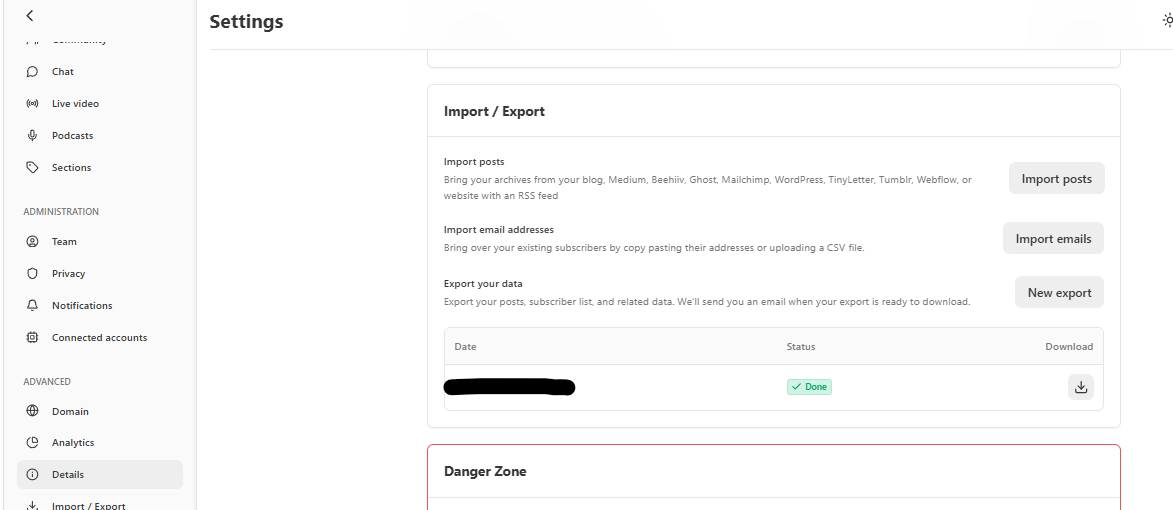
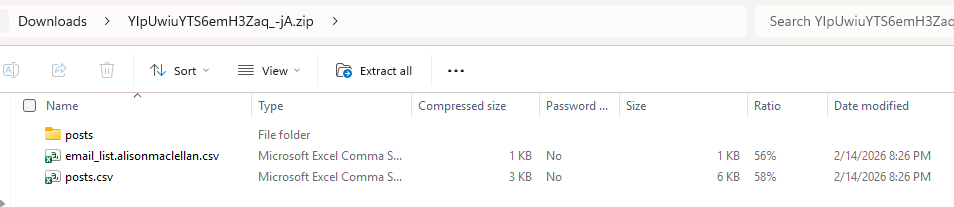
You get a lovely zip file that you can then expand.
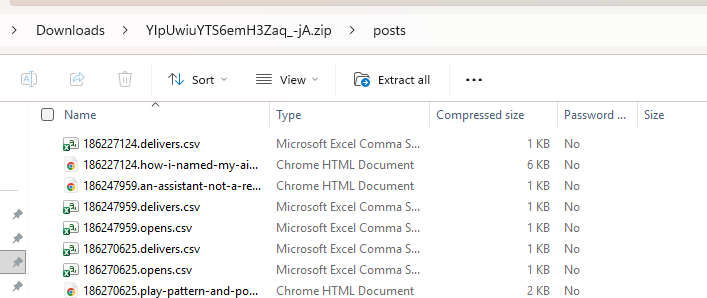
And in the posts folder is all your posts as well as delivery stats
Once I cloned my repo on my desktop, I added the posts folder to the repo.
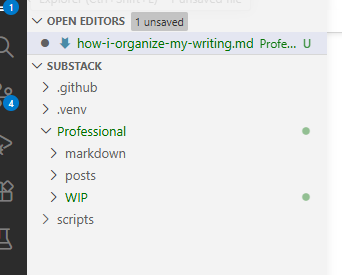
I have a simple Python script that converts the HTML to markdown. No dependencies, just the standard library. It lives in the repo, though the repo is private so I can’t link to it directly. I chose markdown for the portability. Some people are moving toward HTML, but markdown feels cleaner to me right now. It’s readable as plain text, works in any editor, and is easy to search.
This means, at any time I can do a new download and add items I’ve published even as I save my WIP. I did a fresh download today and then merged it all into main so I’m starting with a clean slate. The merge isn’t necessary, I have all the history, but for me it feels like a bow on a package.
Bringing in your AI thinking partners
The repo also makes it easy to give your AI tools full context on everything you’ve written. In Claude, I’ve created a project called Substack with a link to the repo so I can ask ‘remind me’ questions.
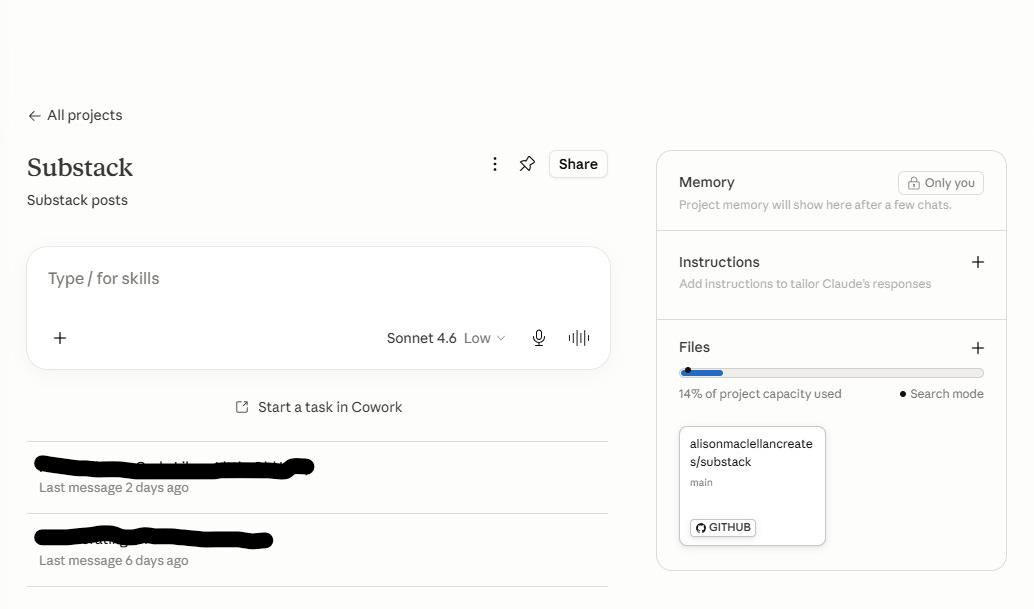
I do my writing in my editor (whichever I’m feeling that day) and then I point Lovelace or Wiggins at it, to edit it for me.
Tracking ideas
Beyond saving my work, I also use GitHub to track my ideas.
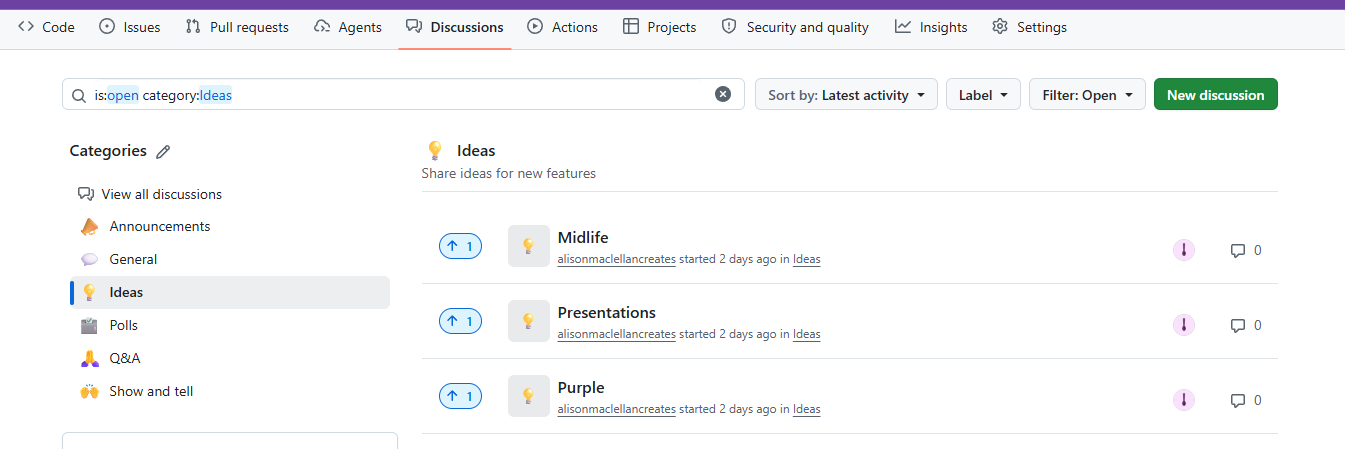
As something comes to me, I add it to the discussion board. I don’t add much, just enough to remind me of the topic. When I create an essay, mark the idea complete.
You will notice I don’t save off my subscriber list. I know for many people, that’s super important. But for me, right now keeping my articles was the most important. I’ve used it to look back at how my Substack has changed. How I’ve changed.
Alison + Lovelace